Quick Redial2.3
Publisher Description
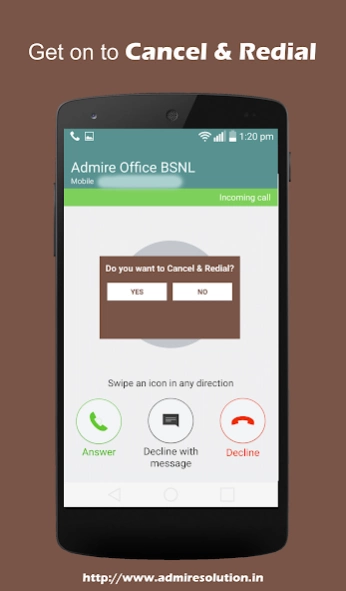
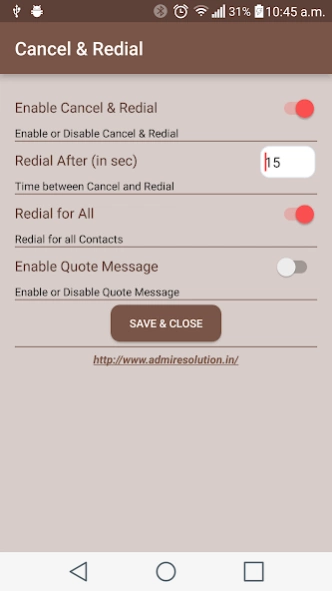
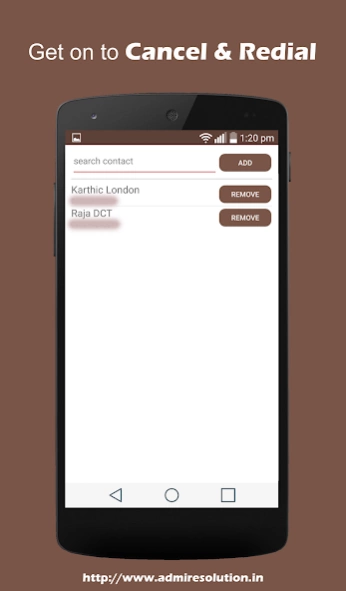
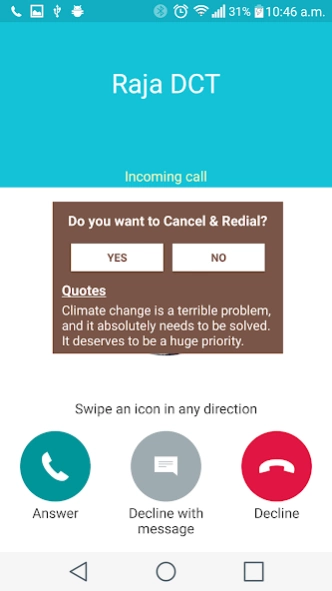
Quick Redial app is used to cancel a call and redial it in a single click.
How would it be if you are able to cancel an incoming call and redial the same number either with a shake of the smartphone or with a single click, or if you are able to share any of the frequently required details with an incoming call number once hanging up. Yes thats feasible with the Quick Redial app. The overhead of cancelling an incoming call and redialling the same number as well as the monotonous task of manually searching for the files that are frequently required to be shared with your contacts are swapped with a single click in Quick redial.
P.S: If you choose to cancel and redial the call at once without delay there is a chance of getting line busy network message as the person at the other end wouldn’t have hanged up the initial call.
Quick Redial Features
1. Cancel and Redial an incoming call with a single click
2. Shake to Cancel and Redial without unlocking your mobile
3. Option to refine the contacts list to redial only particular contacts
4. Configurable waiting period between cancel and redial
5. Ability to quickly send the details that are shared most often once finishing the call
About Quick Redial
The company that develops Quick Redial is Admire Solution. The latest version released by its developer is 2.3.
To install Quick Redial on your Android device, just click the green Continue To App button above to start the installation process. The app is listed on our website since 2019-11-26 and was downloaded 4 times. We have already checked if the download link is safe, however for your own protection we recommend that you scan the downloaded app with your antivirus. Your antivirus may detect the Quick Redial as malware as malware if the download link to com.admiresolution.cutcall is broken.
How to install Quick Redial on your Android device:
- Click on the Continue To App button on our website. This will redirect you to Google Play.
- Once the Quick Redial is shown in the Google Play listing of your Android device, you can start its download and installation. Tap on the Install button located below the search bar and to the right of the app icon.
- A pop-up window with the permissions required by Quick Redial will be shown. Click on Accept to continue the process.
- Quick Redial will be downloaded onto your device, displaying a progress. Once the download completes, the installation will start and you'll get a notification after the installation is finished.
